Capture
A clinical-grade in-app camera. Anatomical face and body guides for repeatable framing, multi-shot bursts, instant tagging by region, lighting hints when a shot drifts from the previous one.
SkinCloud is the clinical photography app for aesthetic medicine. Encrypted on device, structured around the consultation, and built for iPhone and iPad — so the iPad in your hand replaces the binder, the camera, and the portal.
No spam. One launch email. We delete waitlist entries after launch.
SkinCloud is small on purpose. It captures, documents, and compares — the parts of the consultation that actually live with the patient over time.
A clinical-grade in-app camera. Anatomical face and body guides for repeatable framing, multi-shot bursts, instant tagging by region, lighting hints when a shot drifts from the previous one.
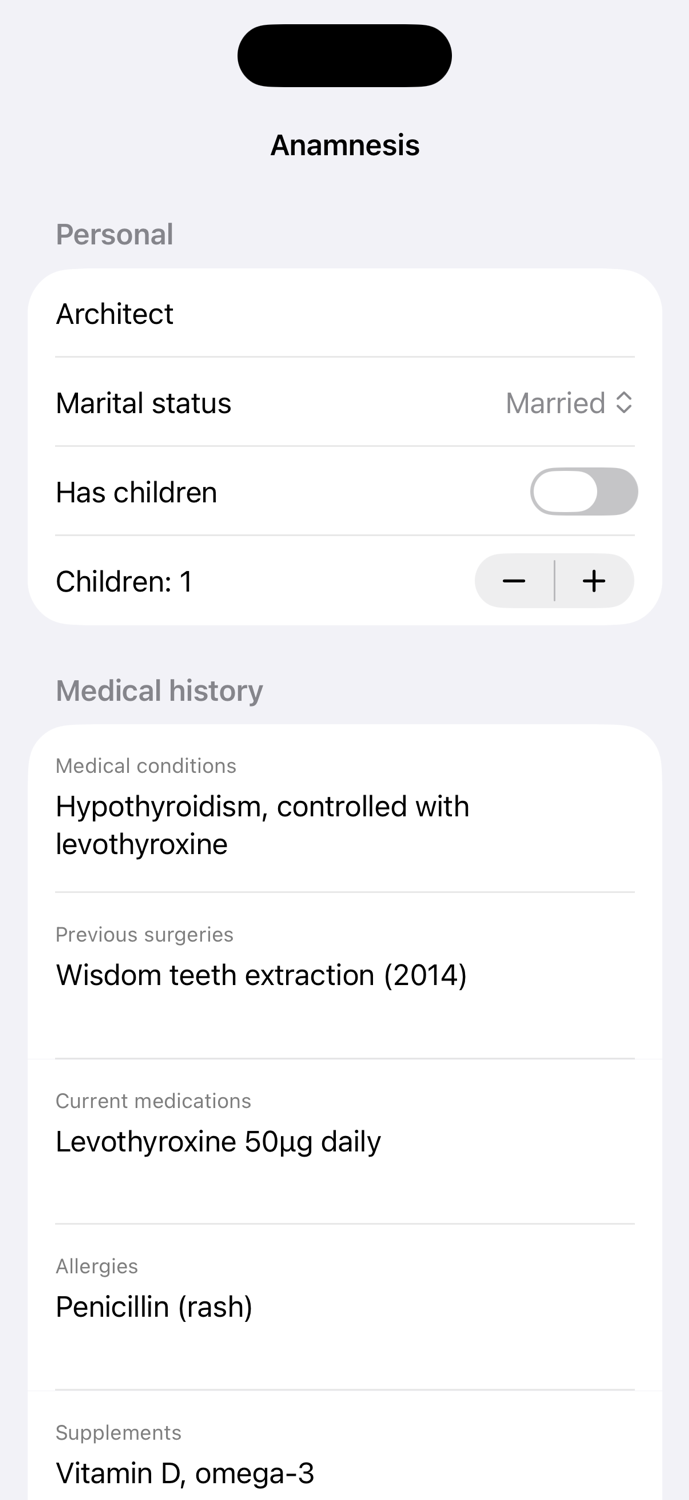
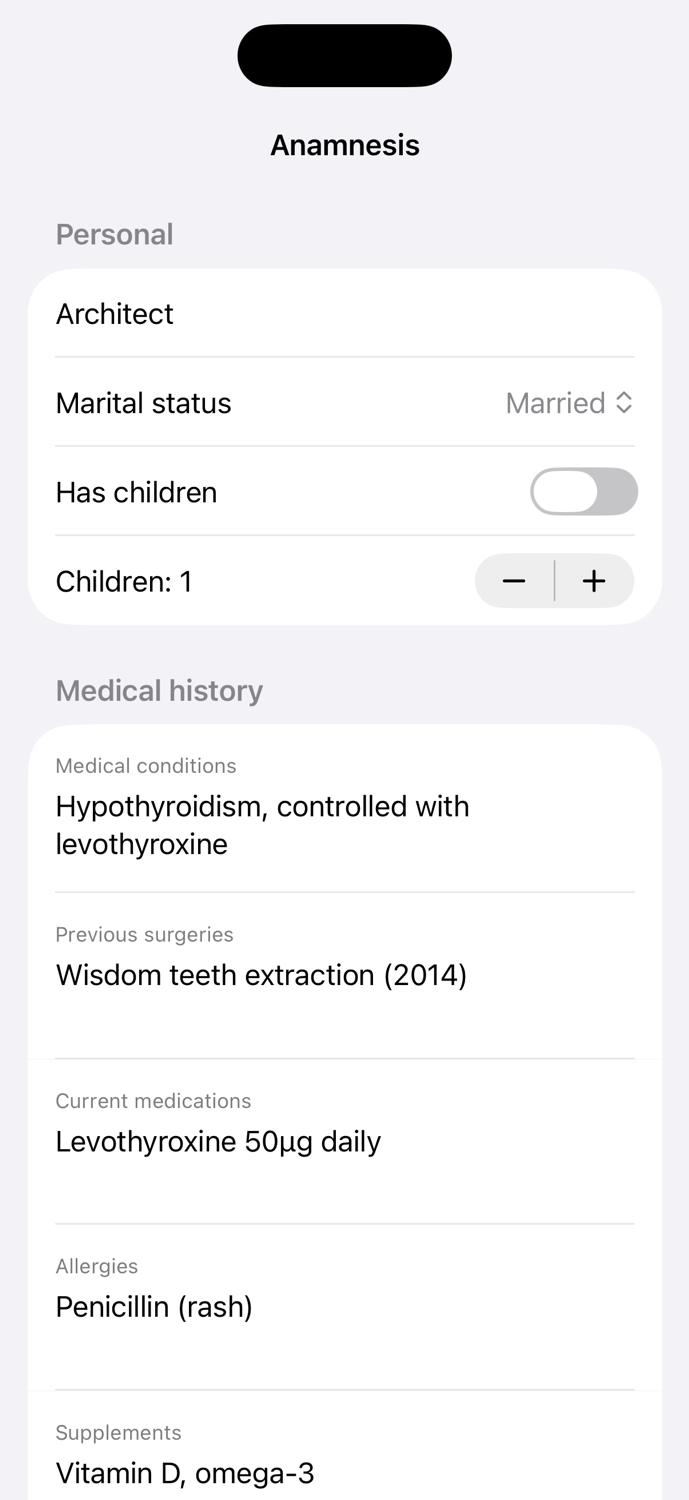
Structured anamnesis — medical history, prior surgeries, medications, allergies, skin type, contraindications, treatment goals — plus a product and lot register that snapshots into every session.
A session timeline with side-by-side and slider before/after, anchored on the same anatomical region. Export a clean PDF summary in a tap — for the patient, for their referring doctor, for your record.
SkinCloud is the iPad you bring into the consult. The flow below is the entire job, end to end — from intake to a downloadable record the patient can take home.
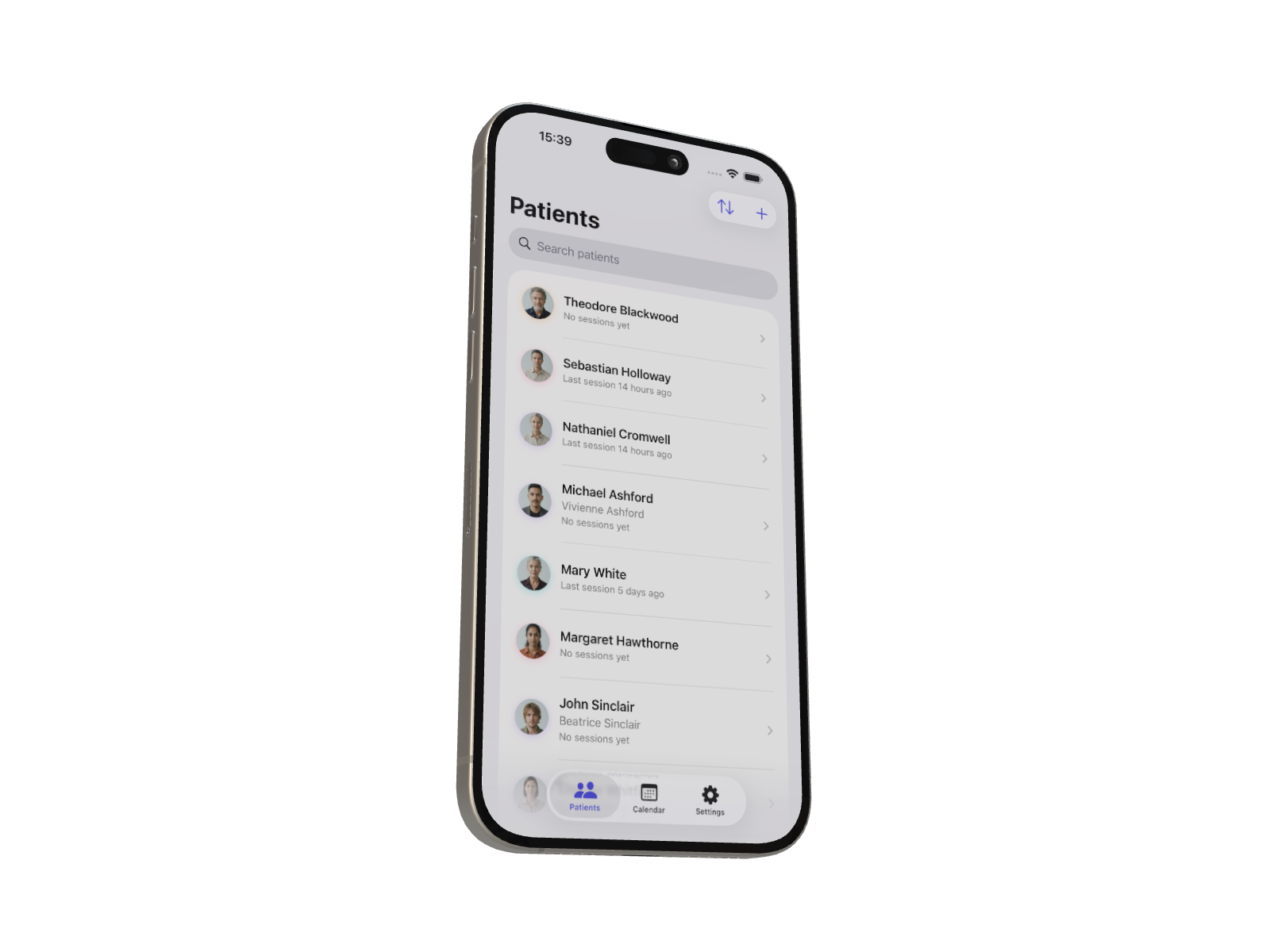
Search the patient list, tap to open. Today's session is one tap from the patient card, with the previous session's photos already on screen for context.
The in-app camera shows the same overlay you used last visit, so the angle, distance, and lighting line up. Burst mode for a procedure, single shots for the consult.
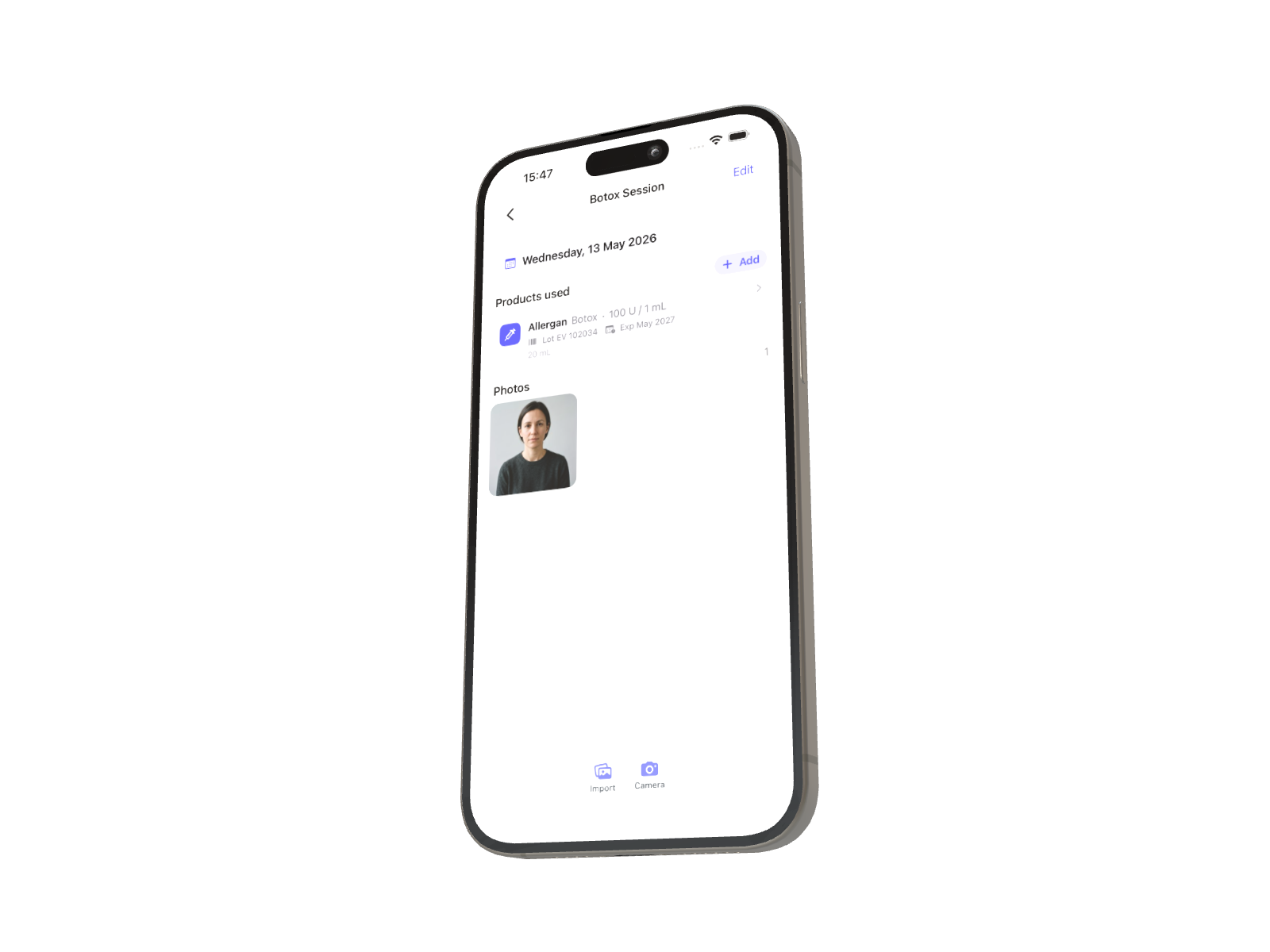
Update history, note today's product and lot, flag contraindications. The product register snapshots into the session row, so a recall years from now still surfaces who got which lot.
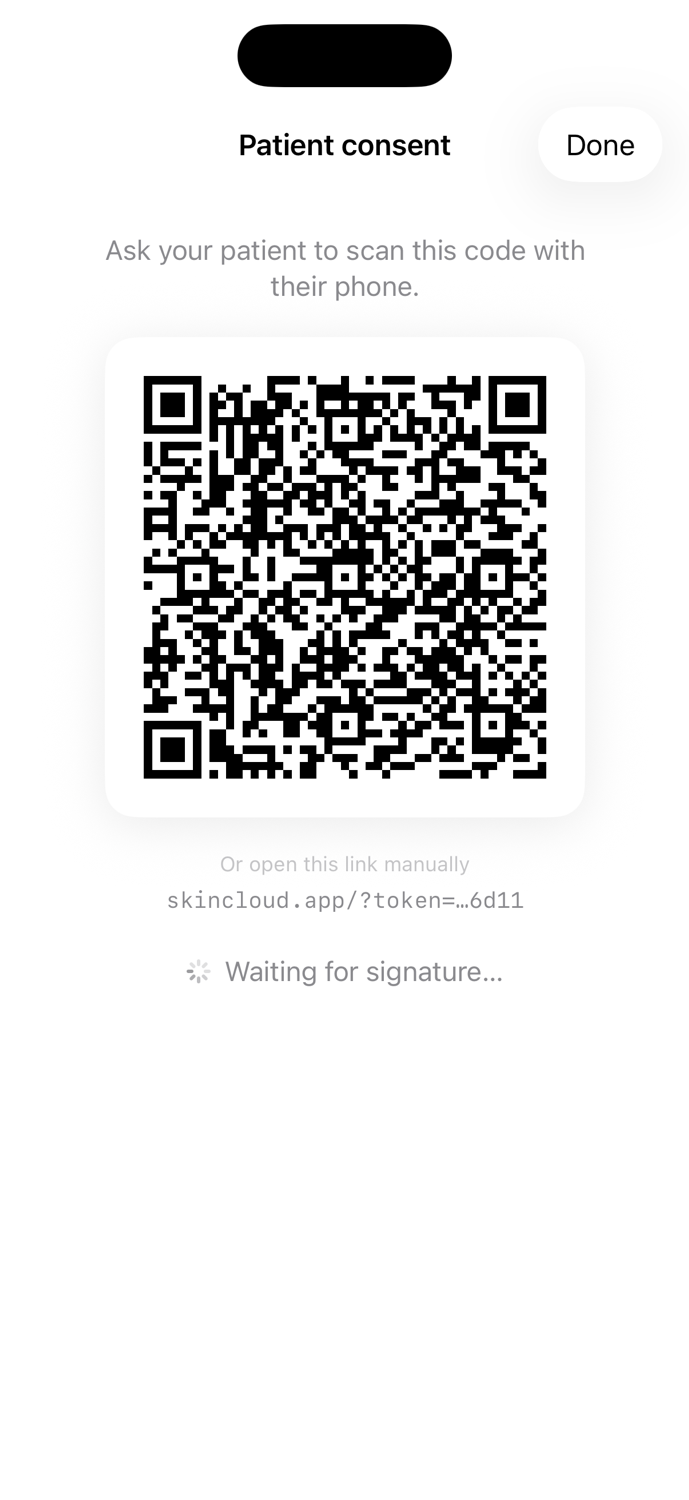
Generate a per-session consent link. The patient scans the QR, reads the consent text, taps "I Agree" on their own phone. Time-stamped and stored alongside the session, tamper-evident.
Slider before/after on the same region. One tap turns a session into a clean PDF summary the patient can keep, the referring doctor can read, and your archive can outlive any single device.
Encryption is a feature only when it changes how the data behaves. Here's exactly what leaves your iPad — and what doesn't.
Every photo gets its own 256-bit key, generated on your device. The master key that wraps them lives only in your iCloud Keychain — Apple-grade end-to-end, where even Apple can't read it.
Every patient access — sign-in, photo upload, photo view, export, deletion — is recorded in an append-only log. The log is yours to read and yours to show, but neither you nor we can edit it.
Database, storage, and edge functions all run in AWS Frankfurt via Supabase. The doctor is the data controller; SkinCloud is the data processor, bound by the same professional secrecy.
Join the waitlist for an invite to the closed beta and a launch-day discount on the annual Plus plan.
No spam. One launch email. We delete waitlist entries after launch.
We're in private TestFlight today. Public App Store launch is planned for later this year. Joining the waitlist is the easiest way to know the exact day, and to get early-access pricing.
Yes. Photos are end-to-end encrypted on your device. The doctor is the data controller and SkinCloud is the data processor under GDPR Art. 28, with health data processed under Art. 9(2)(h). Data is stored in AWS Frankfurt. The full privacy policy spells it out.
Only you. Each photo is sealed with its own AES-GCM-256 key, and the master key that unwraps them lives in your iCloud Keychain — end-to-end encrypted by Apple, where not even Apple can read it. SkinCloud staff cannot decrypt photos.
Nothing — your photos and records are not deleted. You keep full read access to everything you've already captured. You won't be able to upload new photos until you re-subscribe or fall back under your tier's limit.
No. The patient signs consent on their own phone via a QR code that opens a single web page. They don't sign up for an account, install an app, or share any contact details with SkinCloud.
Yes. Settings → Export my data produces a downloadable archive — a manifest JSON plus decrypted JPEGs of every photo and record you have. Your data is not held hostage.
Not on the roadmap. SkinCloud relies on the iCloud Keychain for the end-to-end encryption story; an Android port would need a separate cross-device key-management system, and we'd rather do iOS exceptionally well than do both adequately.